What's New
Updates for version 1.9.0 and earlier are available in Japanese only.What's New in Japanese
Version 1.7.0
Bug Fix
Fixed an issue that prevented some people from editing their items.
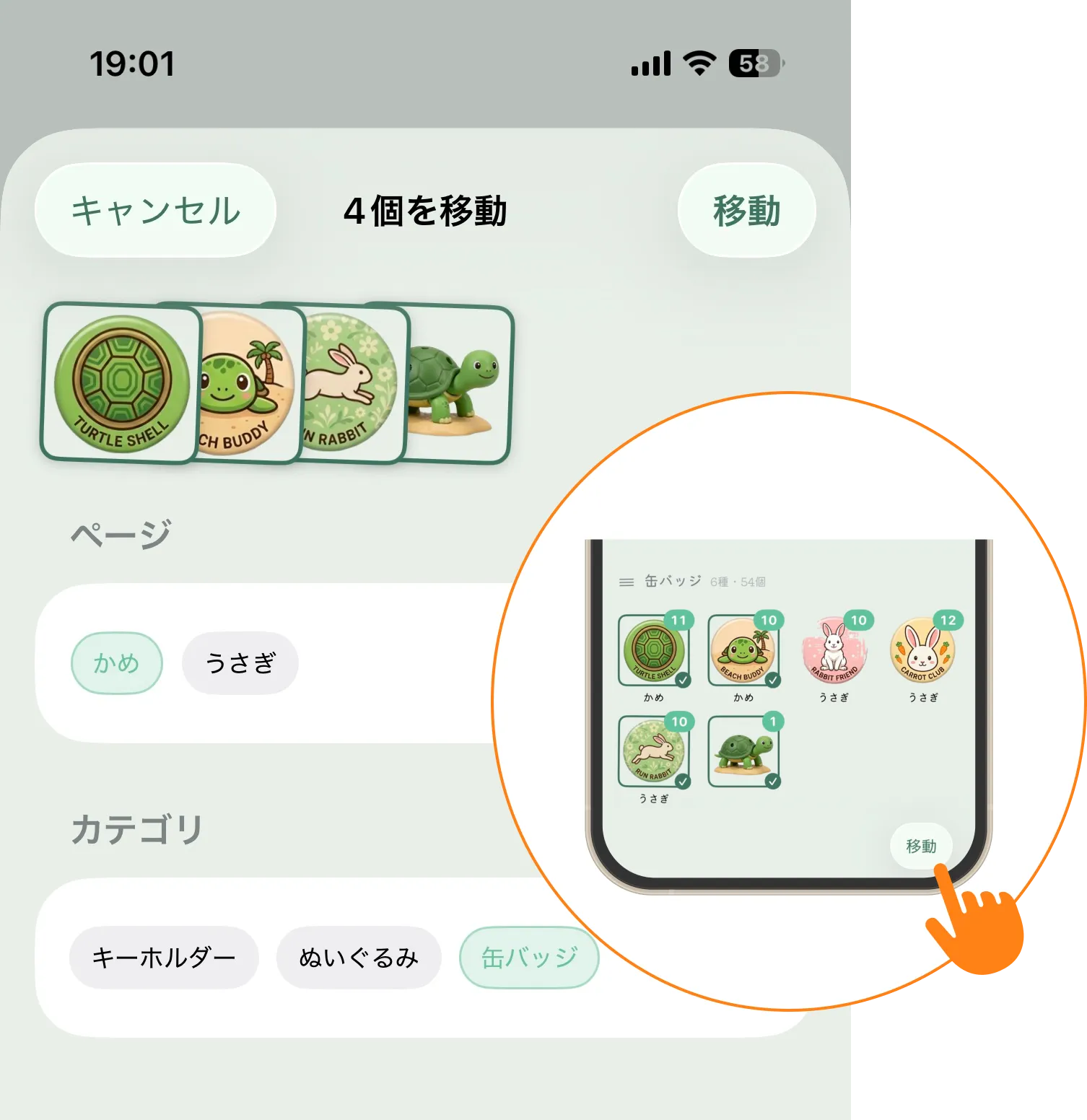
Move Items in Bulk
Use the Move button at the bottom right of edit mode to change the page and category of selected items at once. Touch and hold an item → Select items in edit mode and tap Move → Choose a destination page and category, then tap Move at the top right ※ Only categories linked to the selected page are shown.
Other
Added more operation logs to bug reports to help improve iCloud syncing.
Version 1.6.0
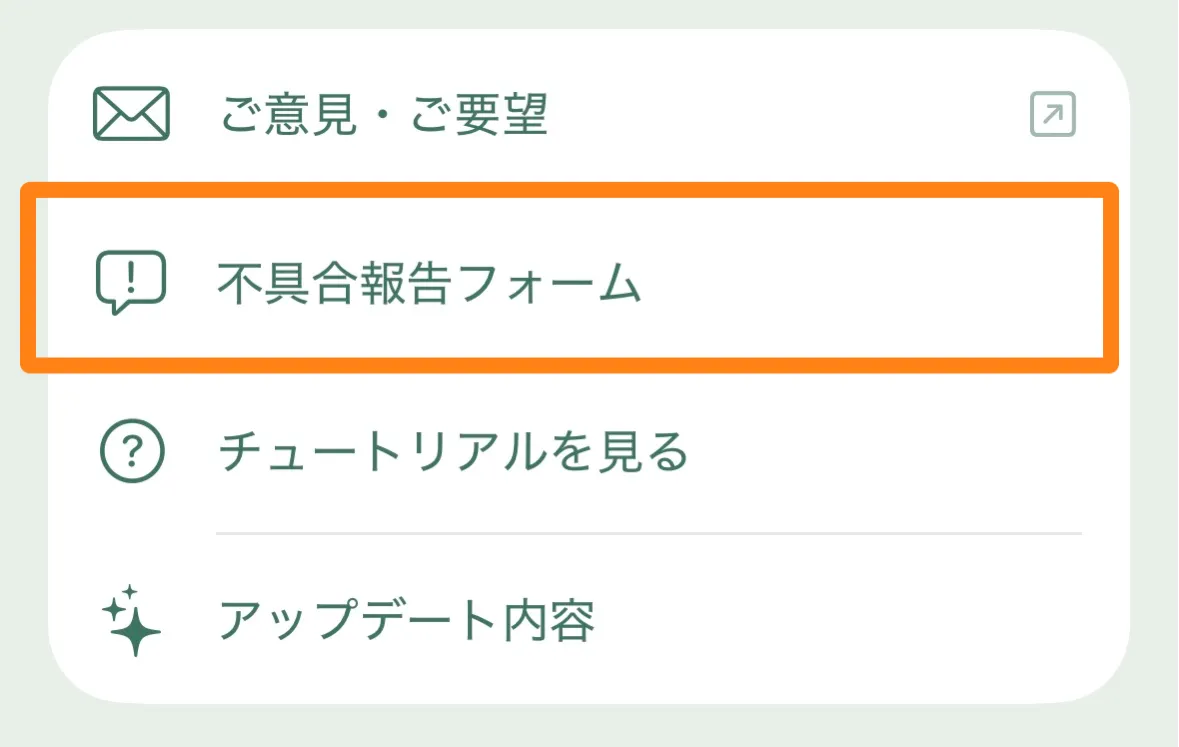
Redesigned Bug Report Form
We replaced the questionnaire with a new reporting method that lets us investigate issues in greater detail.
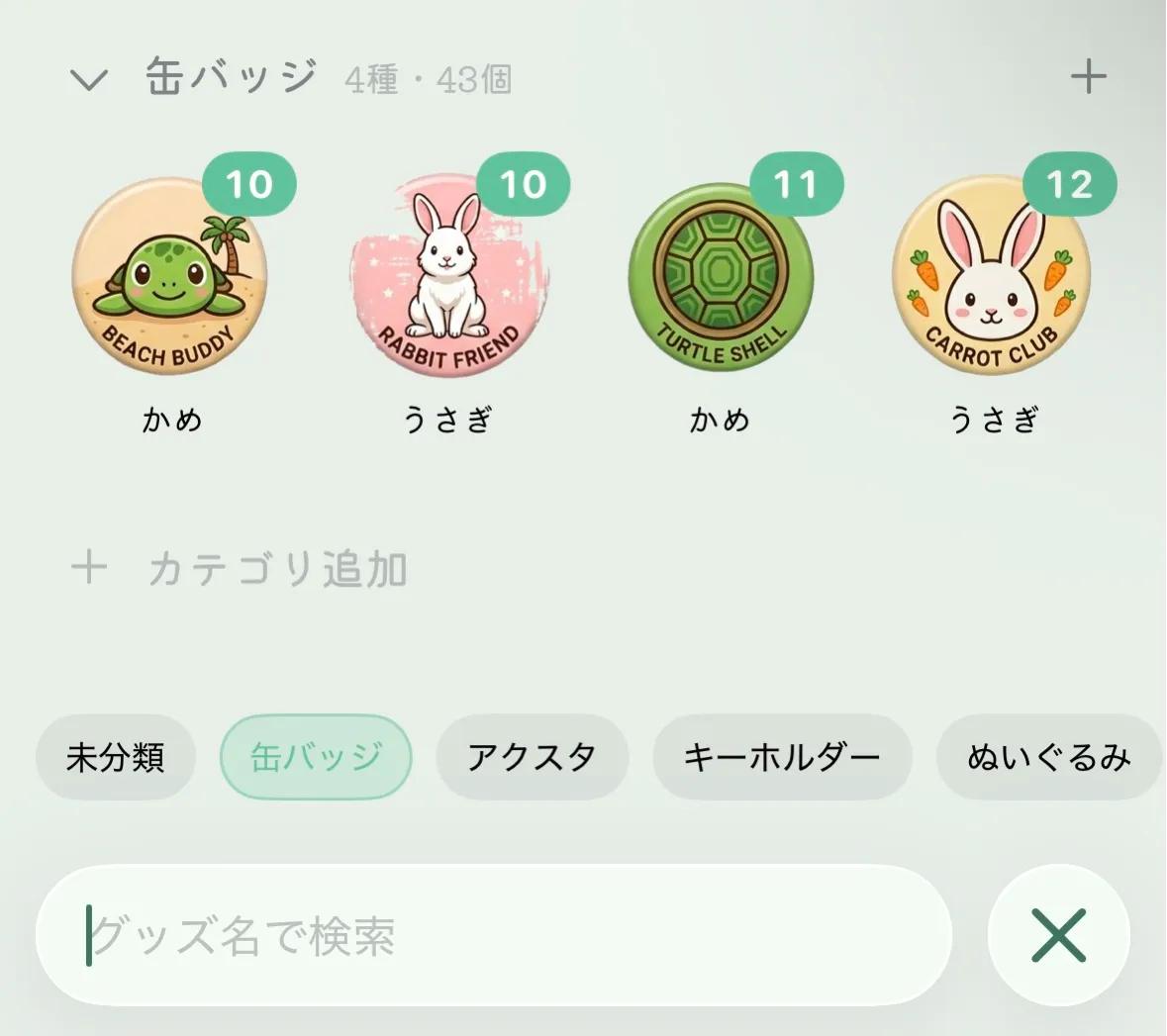
Search with Category Filters
You can now search using a combination of categories and item names.
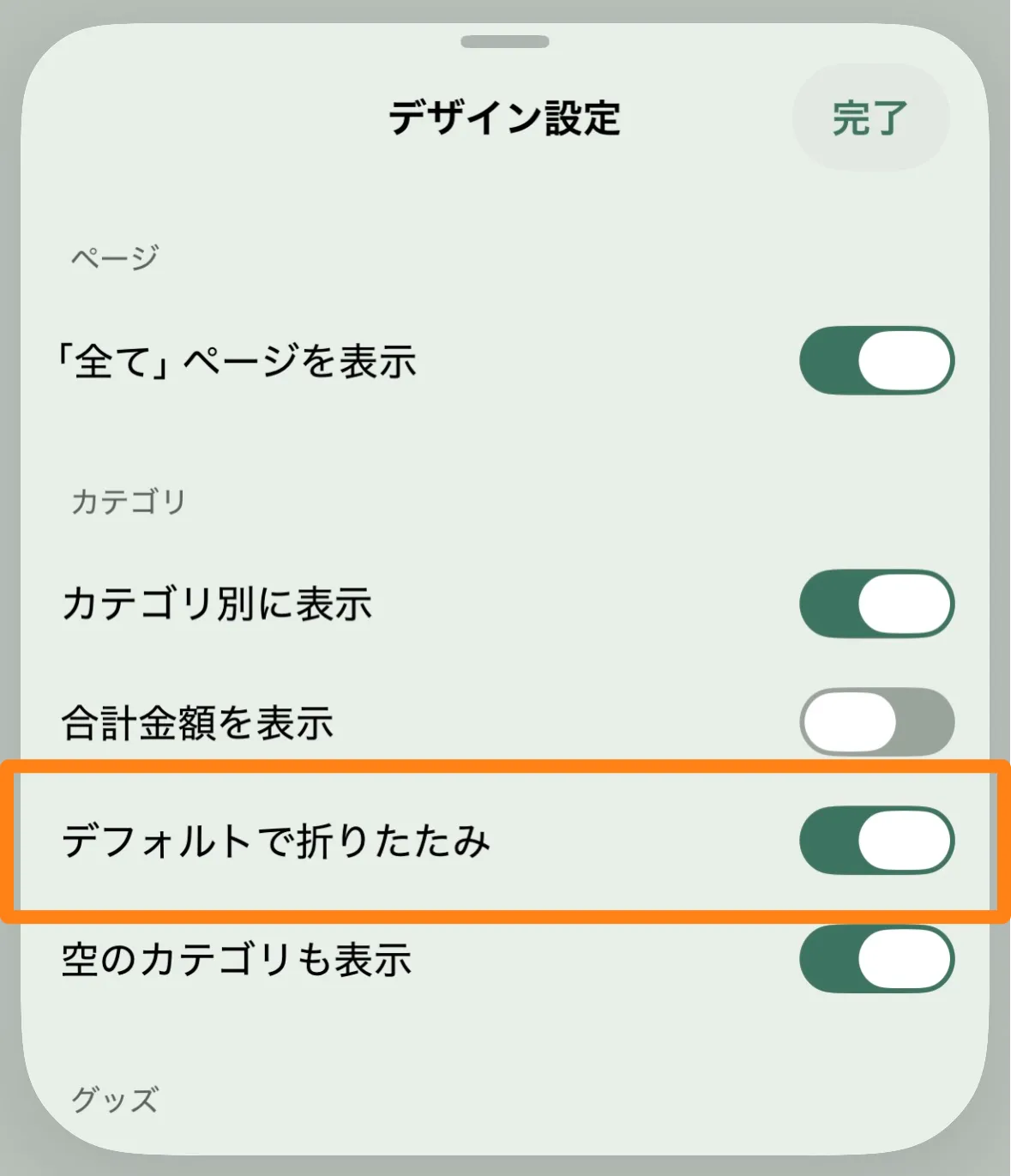
Set Categories to Collapse by Default
You can now set categories to be collapsed by default when you open the app.
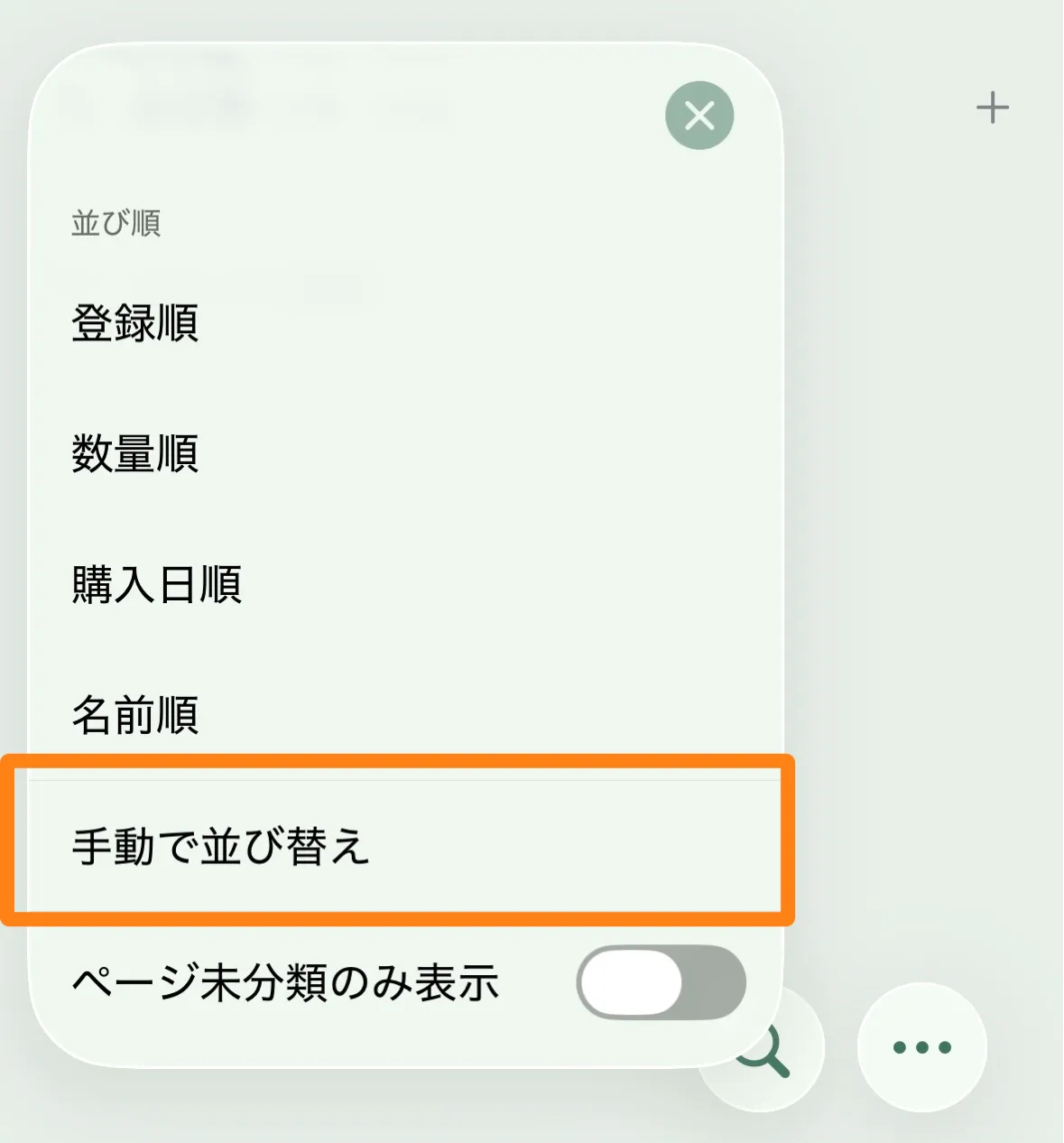
Added a Manual Reorder Button
In addition to long-pressing an item or the background, you can now enter manual reorder mode from the bottom-left button.
More Languages Supported
Added support for English, Traditional Chinese, and Korean.
Other
We made fixes to improve syncing and app performance.